


How to update the Domain DNS?
- Log in to https://umcchurches.org/clientarea.php
- Once logged in, click the domain.
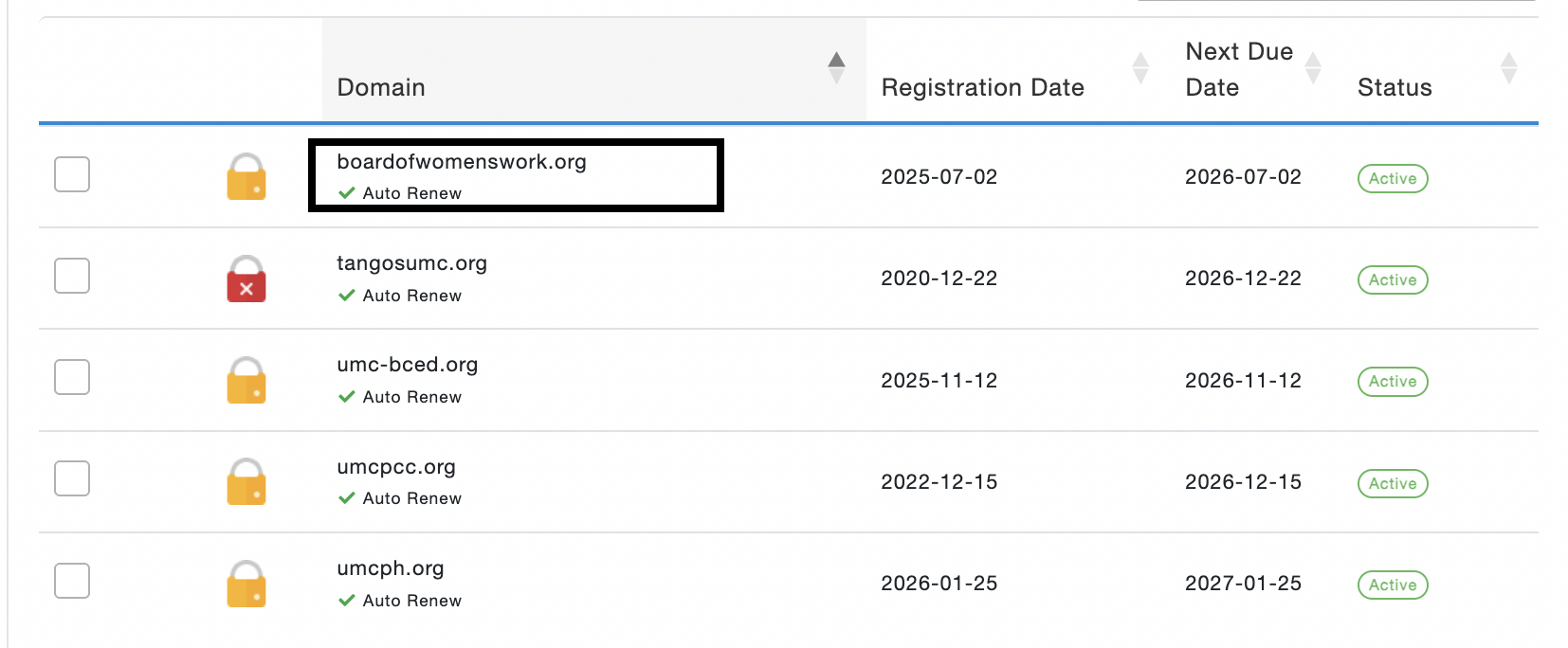
- Click the domain name you want to edit the DNS for
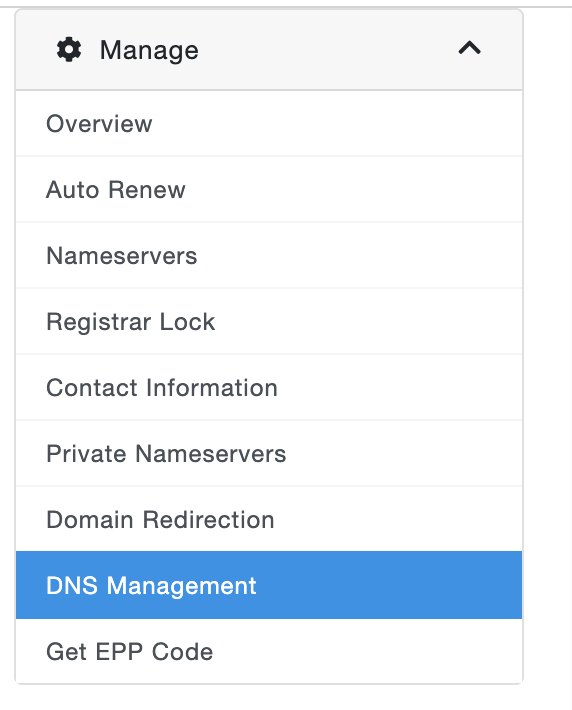
- On the left side, click DNS Management.
To delete the existing DNS record, click the delete icon 
To add a new record, start typing the record in the free line below
Information about the boxes.
The first box is the host or name
The second box is the DNS type (A records, CNAME, AAAA, MX, TXT)
The third box is the value
The fourth box is the TTL or time-to-live (the fastest value we can provide is 7200)
The fifth box is priority, and this will be enabled once the type is MX.

5. Click Save Changes
Thank you,
UMCChurches.org